
 Deutsch
 Italiano
 Español
 Tiếng Việt
 Hrvatski
 ไทย
01
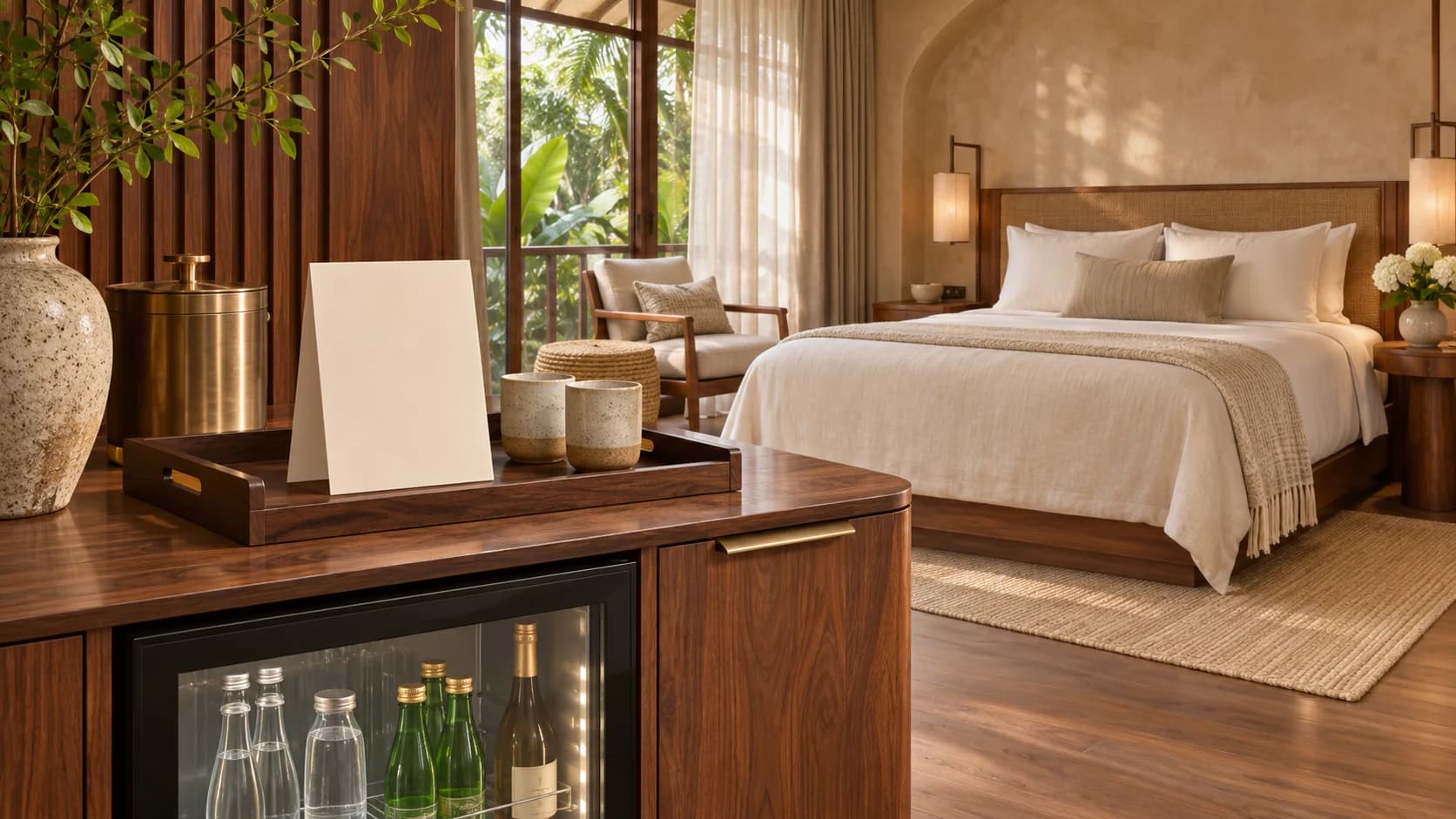
Guests scan the room QR code
The QR code opens both menus directly in the browser on the guest’s phone.
Minibar and room service for hotels
Guests scan the room QR to record what they took from the minibar or order room service. Reception sees orders and charges in one place, and guests can settle their balance at checkout.
Sample hotel
One room QR connects guests to both menus and gives reception a single place to follow what happens next.
The QR code opens both menus directly in the browser on the guest’s phone.
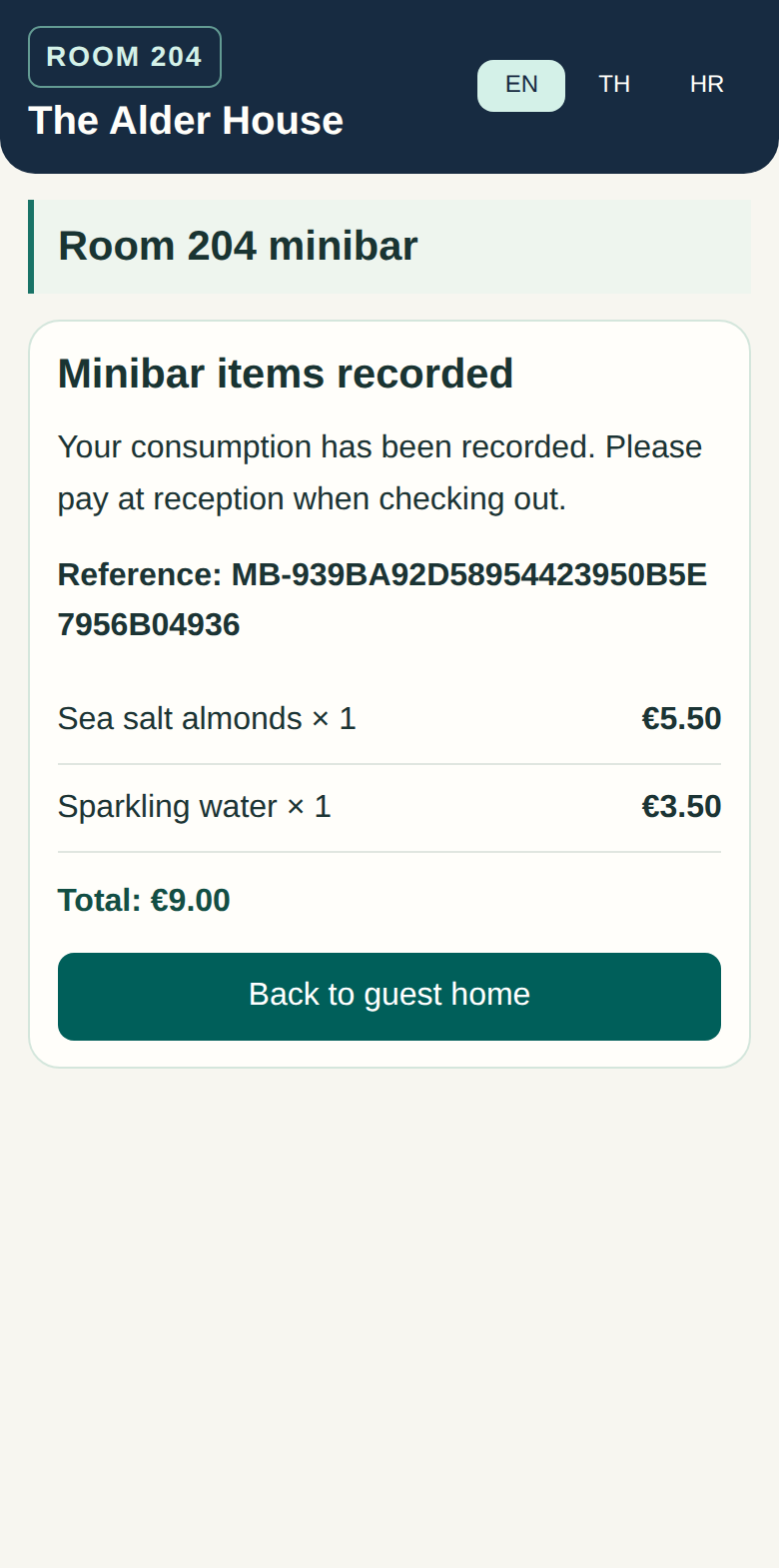
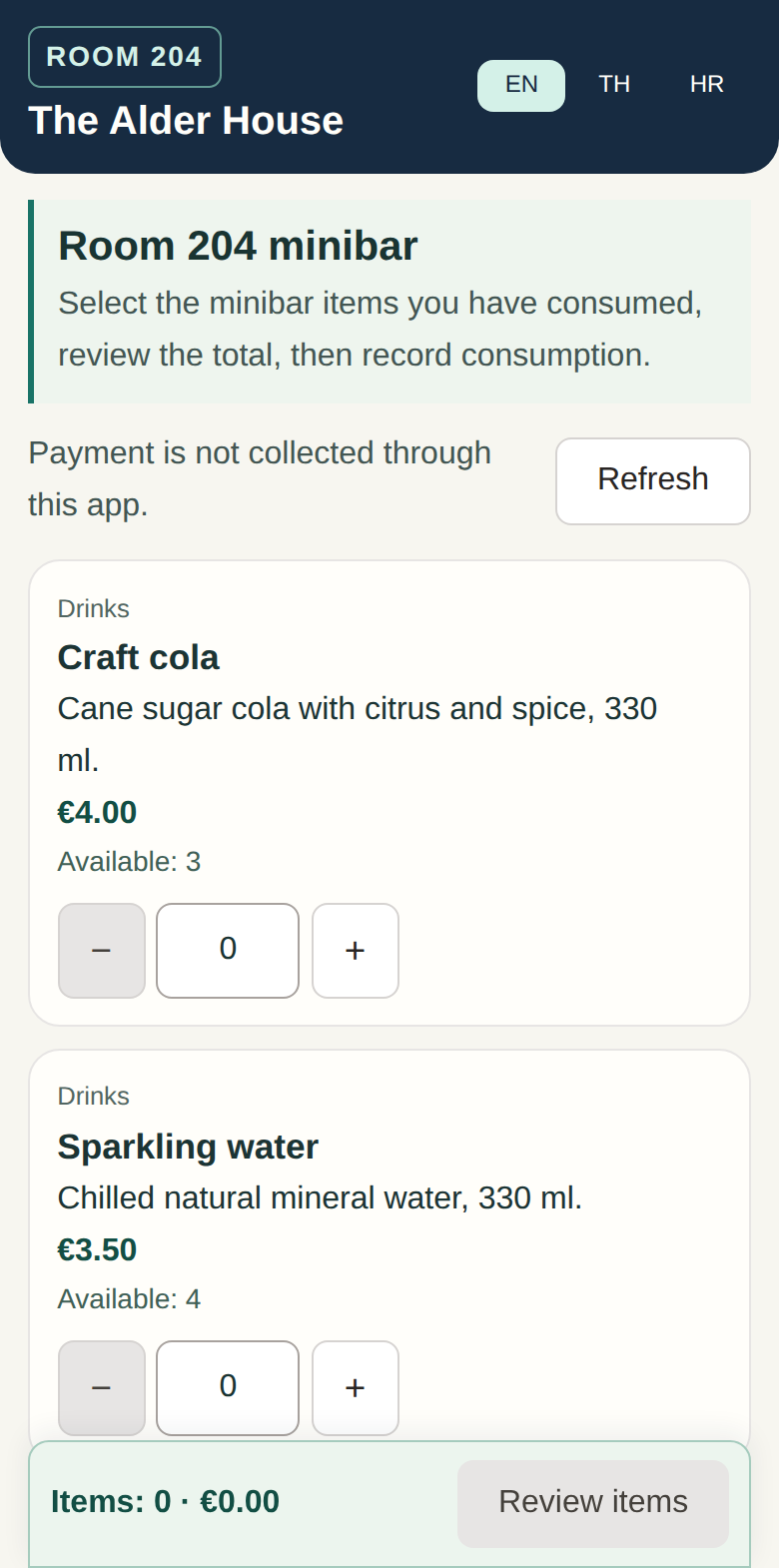
The guest scans the room QR, chooses the items they took, and confirms the quantities. Mini Bar adds the charges to the room balance and deducts the confirmed quantities from stock.
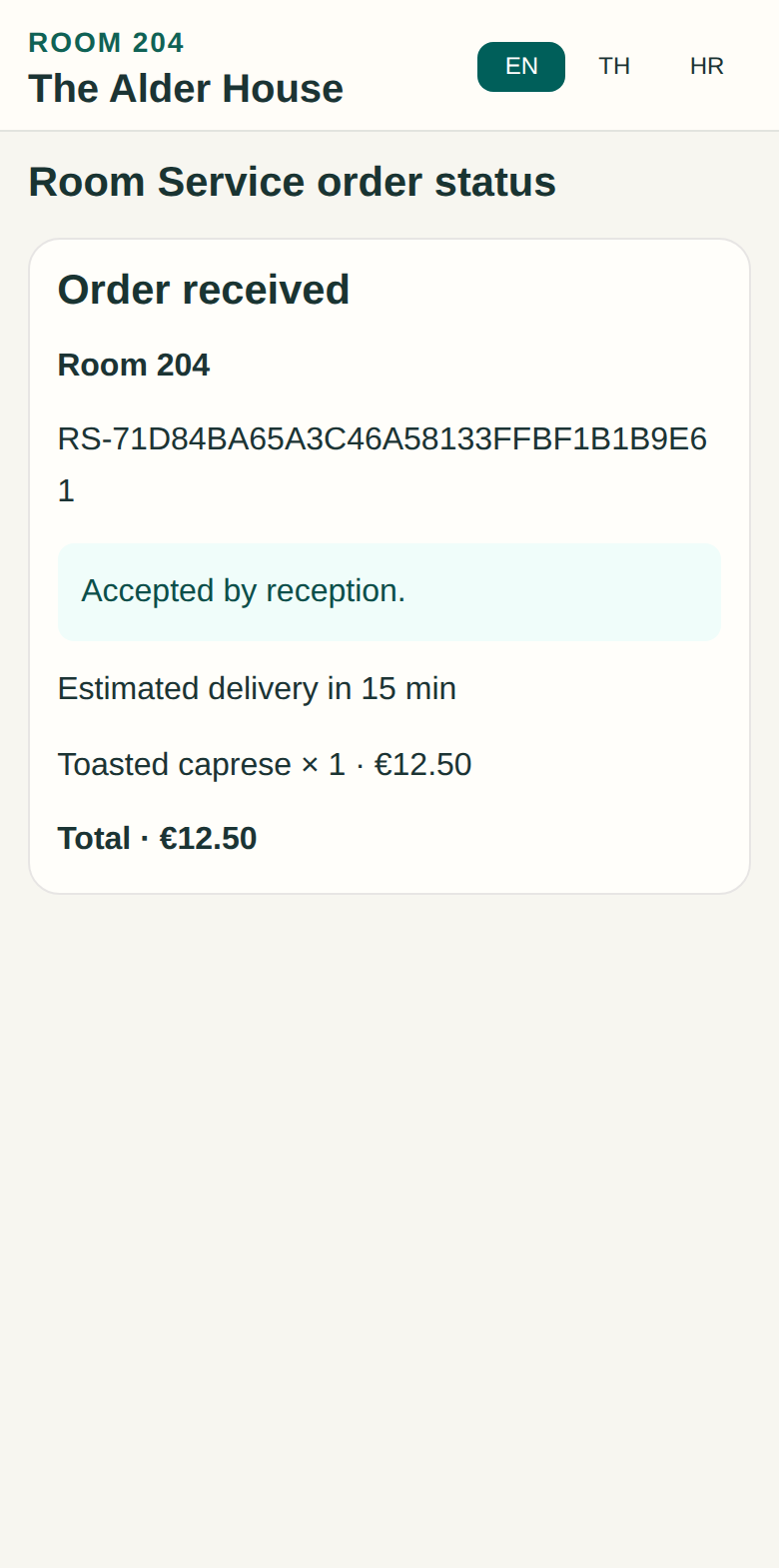
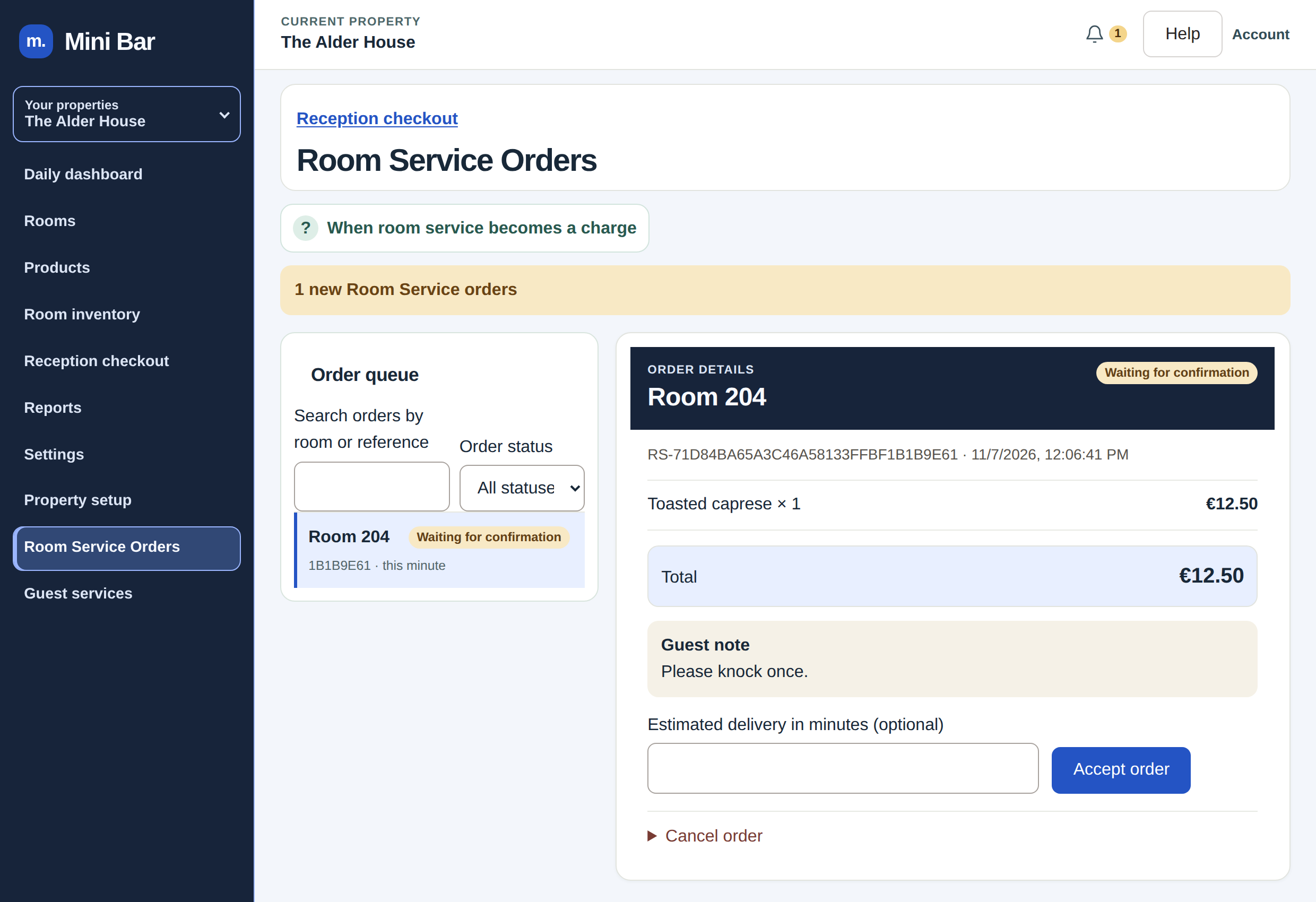
Guests order from a separate room service menu. Staff accept the order and can add an estimated delivery time. The guest follows the order status on their phone.
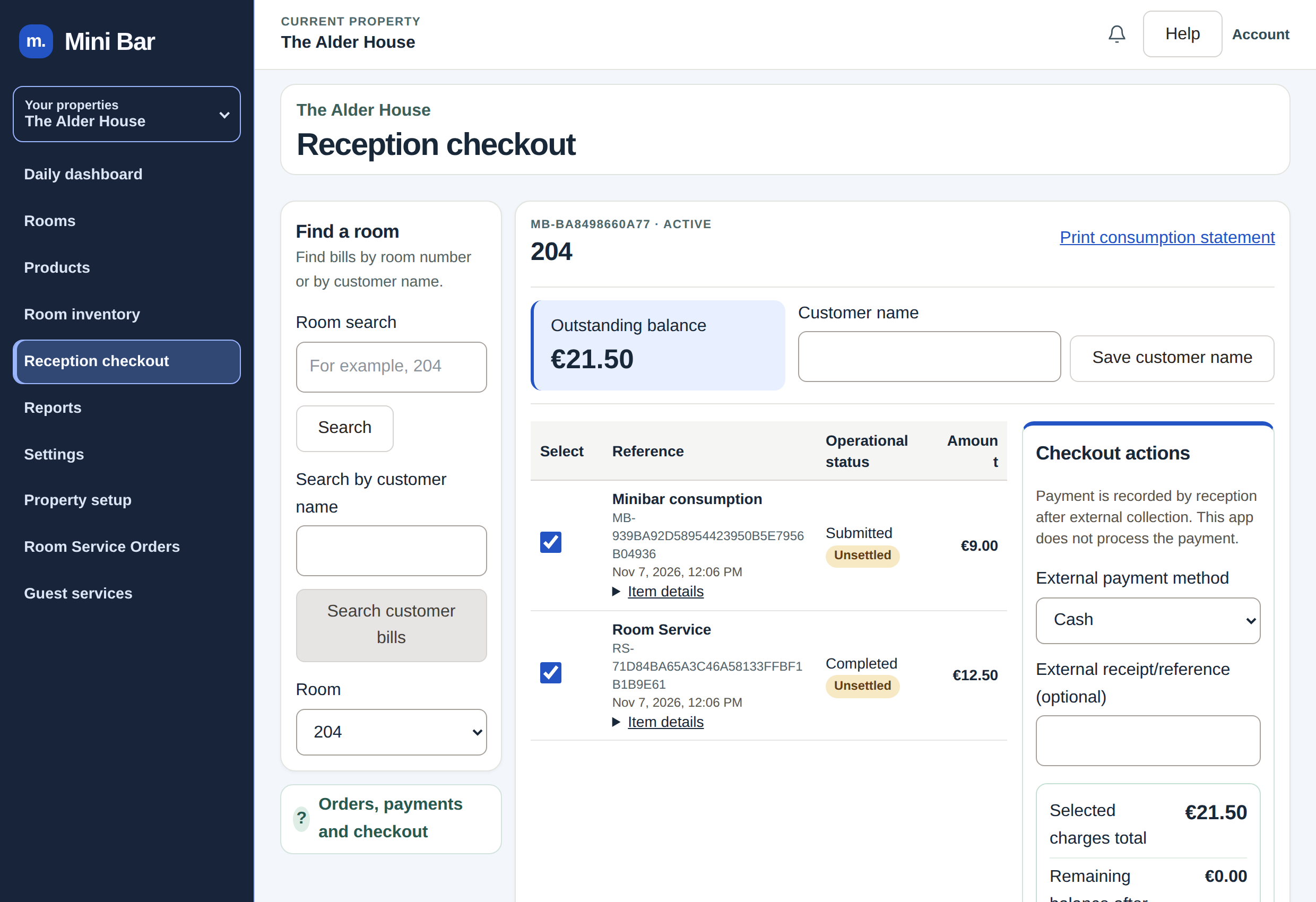
Reception reviews minibar charges and room service orders together and confirms settlement at checkout. The same printed QR stays in the room for the next guest.
The first confirmed minibar consumption starts the billing session automatically, so staff can skip manual stay setup.
Give guests a clear way to help themselves and keep the team in control of menus, stock, orders, and checkout.
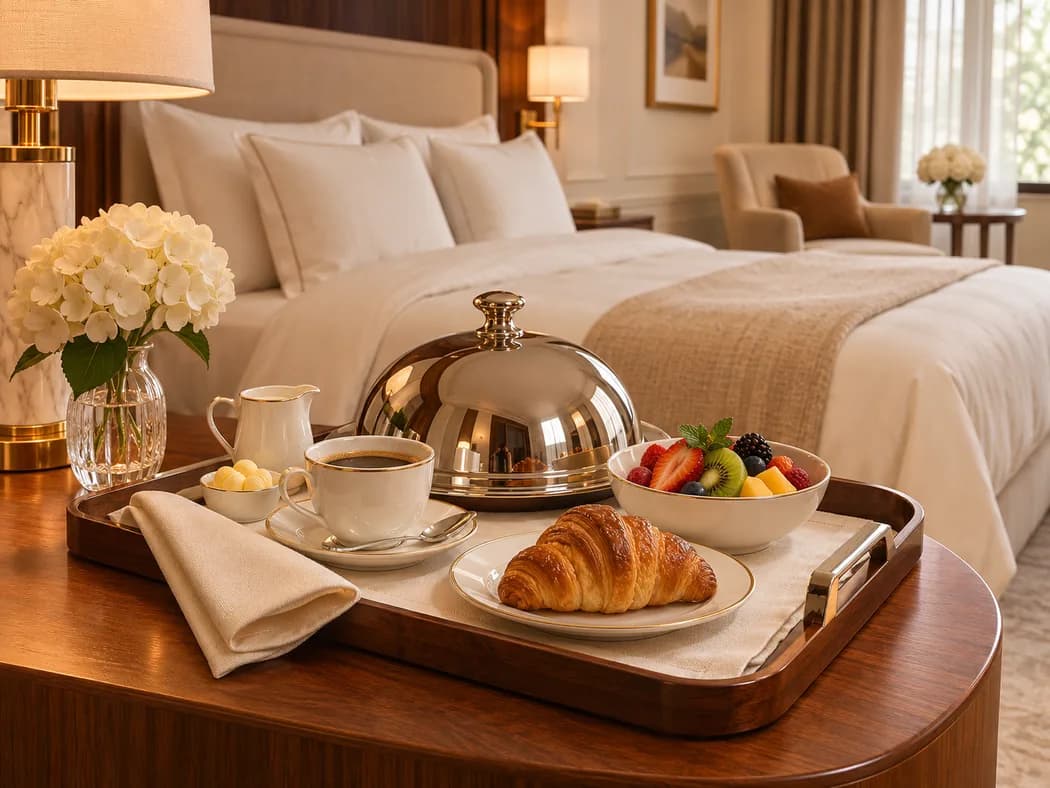
Give each room a permanent QR code. Confirmed consumption updates stock and the room balance. After checkout, the same printed QR is ready for the next guest.
Manage a separate menu with its own prices, hours, and availability. Staff accept orders and can add an estimated delivery time while guests follow live status.
Track room stock and restocking, view reports, and export CSVs. Manage properties independently and give staff access based on their role.
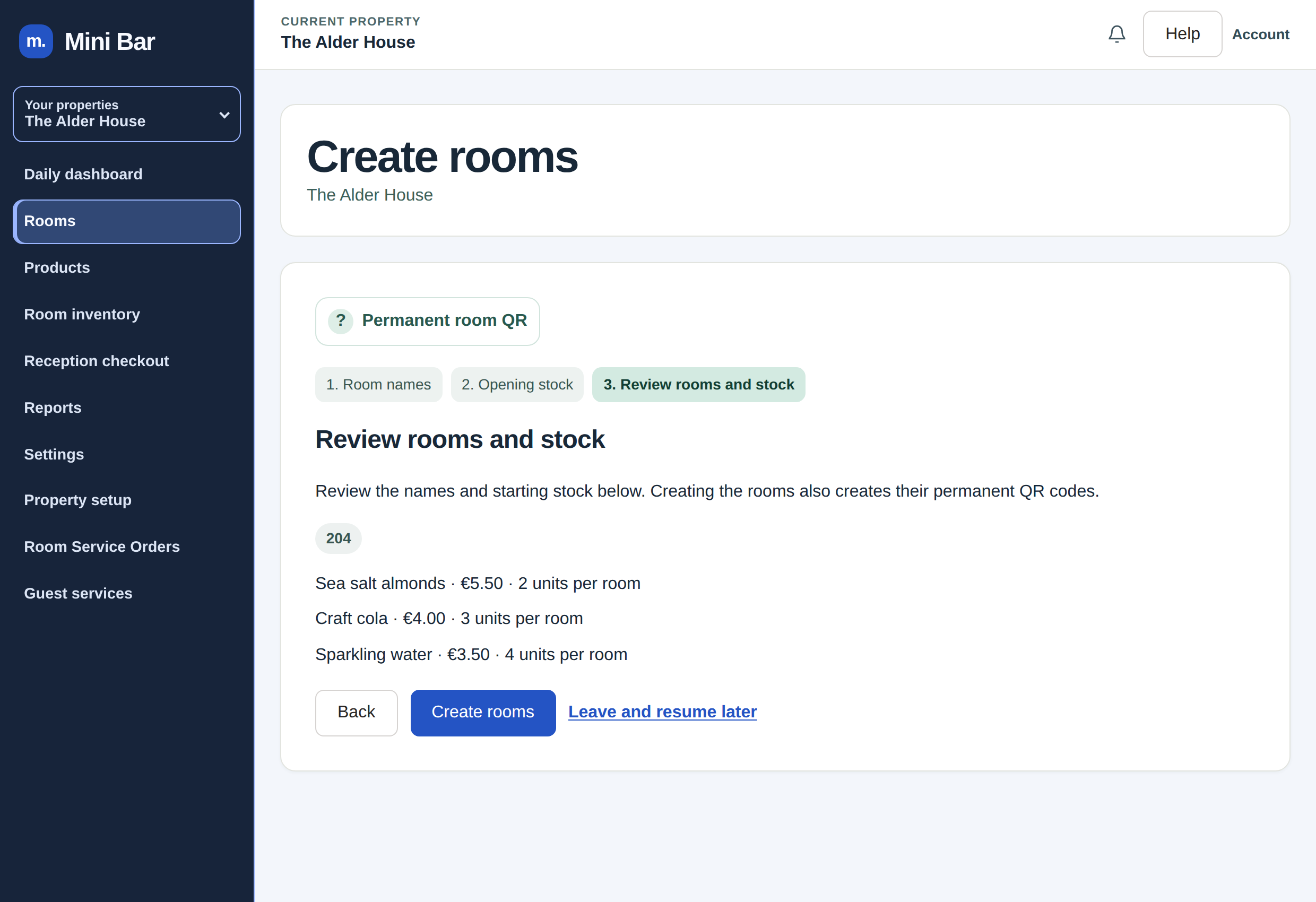
Add one room or a batch of up to 50, then preview and print room QR codes. Practice checkout without creating live records and replay the tour from Help.
Guided setup for your first room
Enter the details for your property.
Add one room or up to 50 at once, then set up your minibar products and prices.
Enter the quantities available in each room.
Preview the guest page, print the room QR, and scan it to make sure it opens both menus.
Mini Bar
On request, we design and build a custom minibar checkout for your property. From the moment guests scan the room QR code to the payment confirmation, the experience can reflect your hotel’s logo, colors, and visual style.
Reception confirms settlement when the guest checks out.
Request a Custom CheckoutGuests scan the room QR code and open the guest page in their phone browser.
Once the guest confirms consumption, Mini Bar adds the charge to the room balance and deducts the quantity from the room’s stock.
Guests settle with reception at checkout. Reception reviews the room charges and confirms settlement in Mini Bar.
Yes. After reception checks out a stay, the same printed room QR is ready for the next guest.
Yes. The room service menu has its own items, prices, hours, and availability.
Mini Bar connects what guests use and order in their room with the work the hotel team does every day.
Company details will be published when available.
We use the details you share to respond to your inquiry.